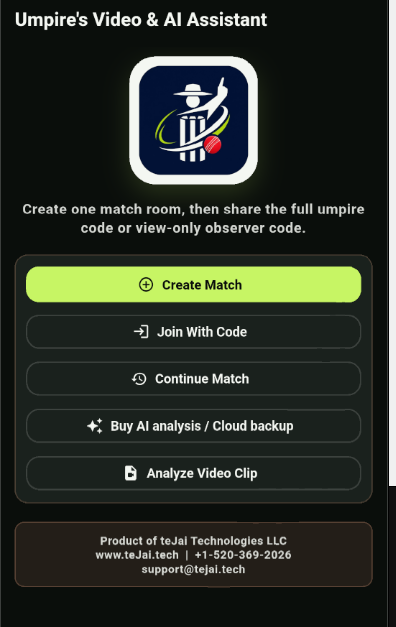
1. Start or join
Create a match, join with co-umpire or observer code, continue a match, buy AI/cloud, or analyze a standalone video clip.
how to use
The app is designed around match-day pressure. Read the disclosure, check the device, test recording, then go live. Review can happen immediately after a delivery or later from the match review list.
Create a match, join with co-umpire or observer code, continue a match, buy AI/cloud, or analyze a standalone video clip.
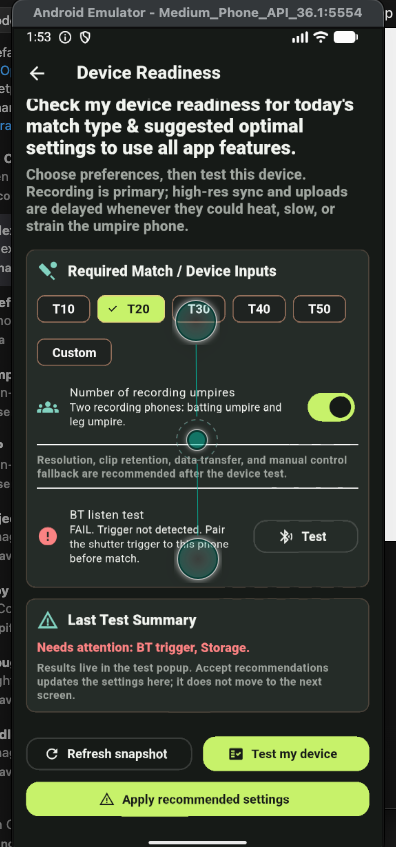
Review storage, battery, network, and trigger readiness. If storage is low, free space before the match.
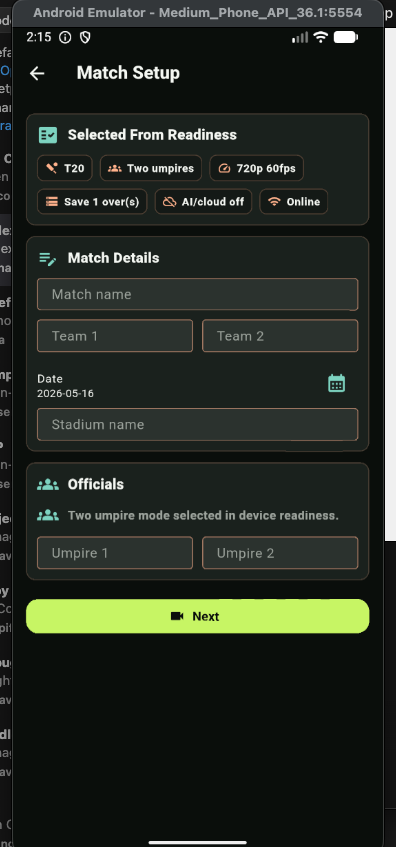
Add match name, teams, date, stadium, umpire names, match type, and optional AI/cloud activation code.
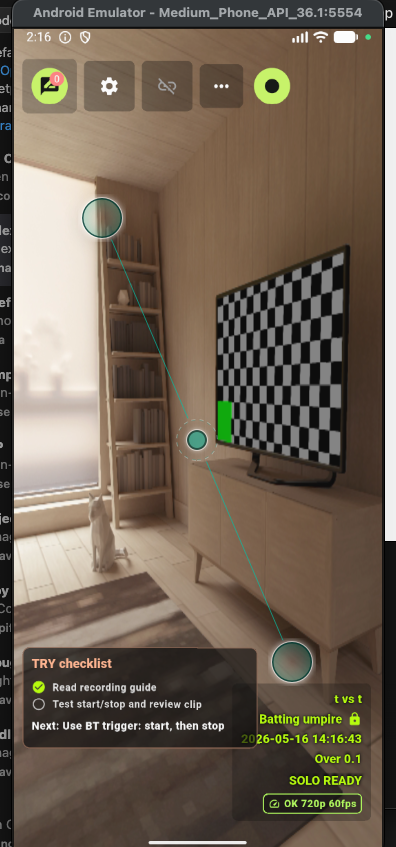
Record a trial clip and confirm frame stepping works. TRY clips are for setup confidence, not official match evidence.
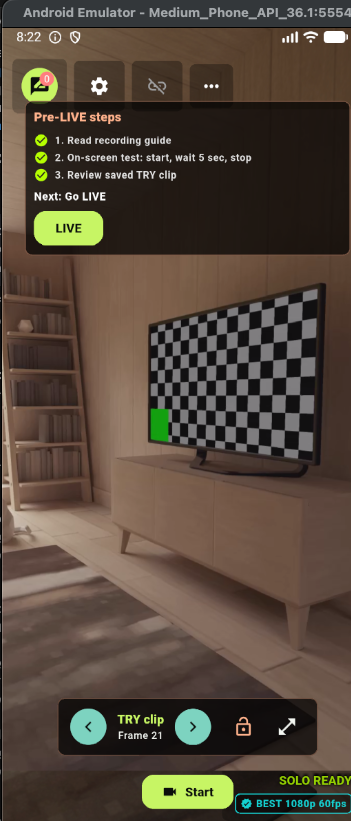
Calibration is optional but improves deterministic and AI analysis. Capture pitch view, ball-on-pitch view, and ball appearance when conditions are close to match conditions.
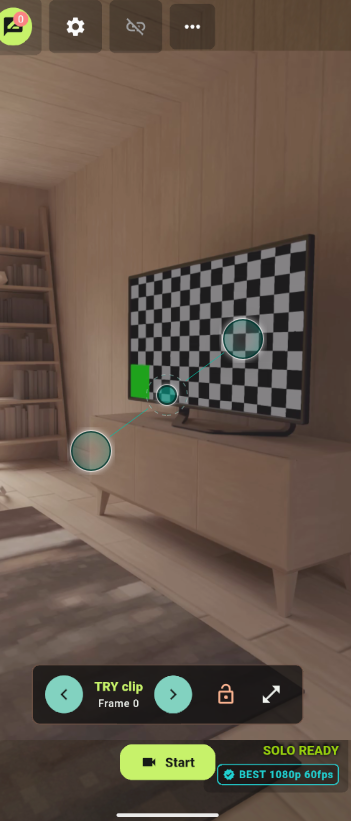
Use BT or on-screen controls. Stop when the ball is dead; auto-stop protects against long accidental recordings.
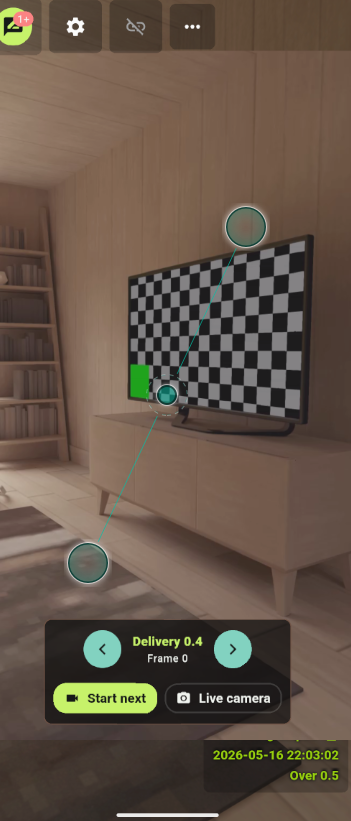
After stop, step frame by frame, protect important clips, start the next delivery, or return to the live camera view.
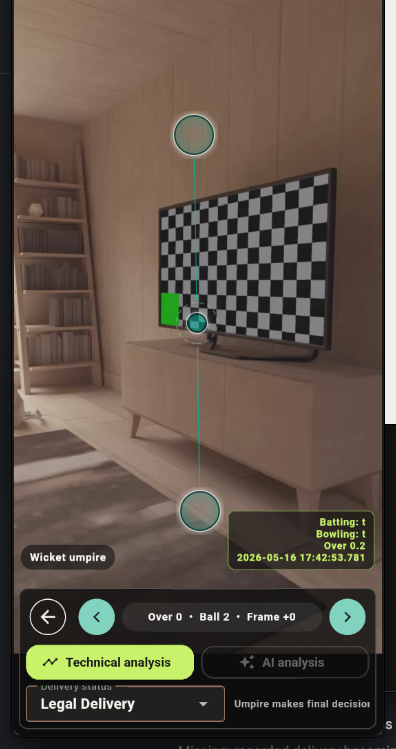
Use video first, then technical analysis, and optional AI. Single-angle results should be treated as weaker evidence. The umpire makes the final decision.
For LBW review, try to keep the bowler-side stumps, batter-side stumps, expected bounce zone, batter, and stump line visible. For no-ball and run-out style review, crease lines matter. Chest or neck mounts can work, but body motion reduces confidence, so keep the phone stable and avoid unnecessary movement during the delivery.
Trust confidence less when the ball is hidden, bounce is unclear, there are too few post-bounce frames, only one angle exists, the camera moved sharply, calibration is missing, or the batter blocks the expected ball path. In those cases, use the video and umpire judgement first.